
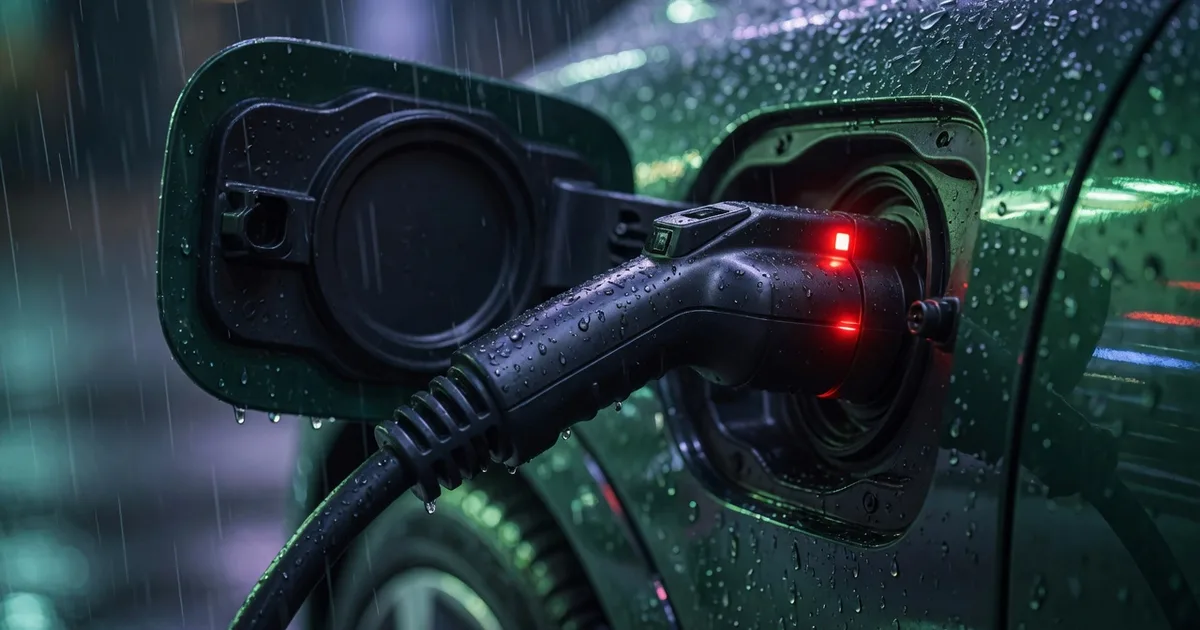
Two of the most stressful charging moments: the session will not stop, or the cable will not unlock after it did. You cannot leave, you cannot force the latch, and the car is now a brick in a busy bay.
This guide covers what drivers should try first, and what operators usually need to fix on the CSMS side.
If the session will not stop from the app
- Wait 15–20 seconds. Stop commands can lag on roaming paths.
- Retry Stop once — not ten times.
- Use the station’s own stop or RFID flow if the pole exposes one.
- Unlock the car and open the charge port from the vehicle UI.
- Contact support with station ID + approximate time so we can request a remote stop via the CPO CSMS.
Never yank a locked CCS cable. You can damage the latch or the car inlet.
If the cable stays locked after stop
Confirm the session is Finished in the app first. Then:
- Unlock vehicle doors and the charge flap
- Press the station unlock control if one exists
- Call support for a remote unlock — power-cycling the pedestal is not the driver’s job
If support cannot unlock, the CPO may need to intervene on-site for that EVSE model or firmware version.
Operator / CSMS side
Stuck locks often mean:
StopTransactionnever confirmed- Connector status stuck in Preparing or Finishing
- Known firmware bugs on specific EVSE models
Good eMSP–CPO ops share remote stop, remote unlock, and a ticket with OCPI / OCPP identifiers — not a free-text “user angry.”
What we want the product to show
Drivers should see a clear Stopping… state with a timeout, then a path for “contact support / unlock requested,” not a frozen progress ring. Session recovery after the app is killed mid-stop is part of building a reliable eMSP app .
What’s next
Related: Charger won’t start and driver support when charging goes wrong .